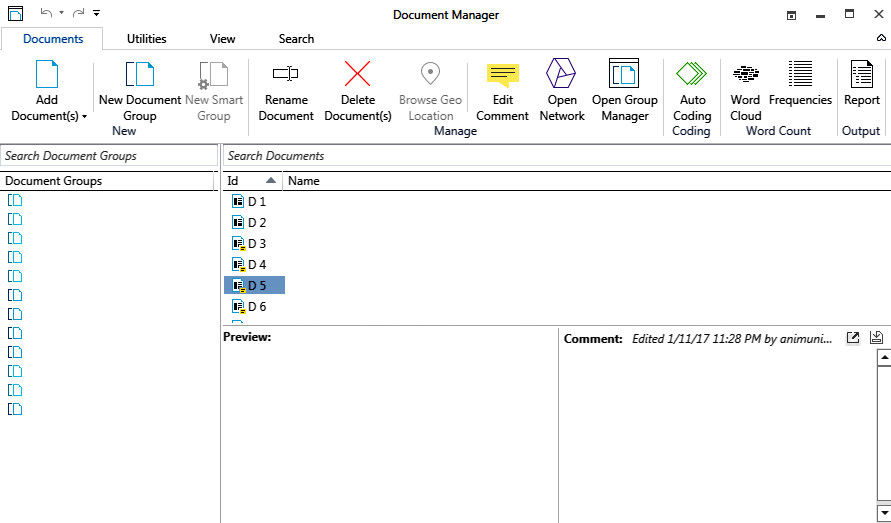

Best For Qualitative Data Analysis: ATLAS.ti

tenth tool

Advertisements

The ideal tool for text finding and sentiment analysis

Experience Level : Beginner to Intermediate
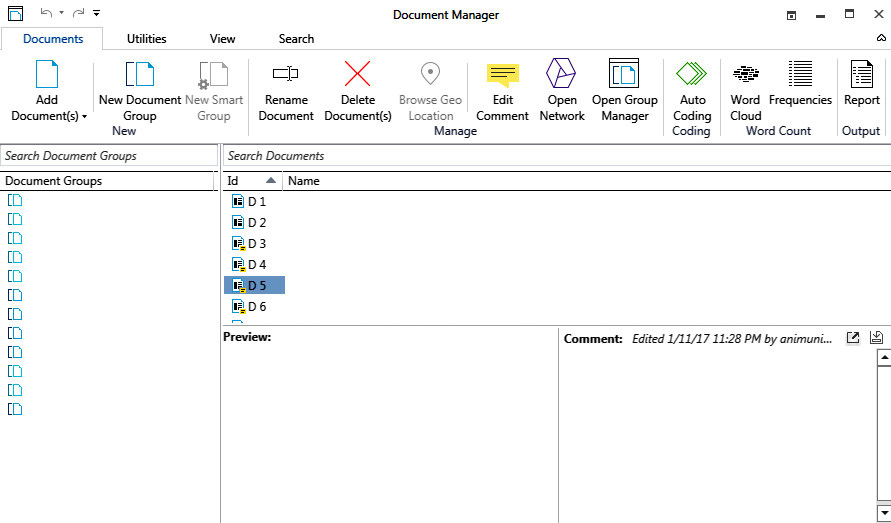
This tool is specifically designed to deal with qualitative data such as interviews, available survey questions and comments on social media. This tool also allows to perform complex functions such as sentiment analysis, especially for people who do not have experience in dealing with programming techniques.

ATLAS.ti program has a number of features, including:

• Sentiment Analysis

• wordlist

• Word cloud

• Synonyms

• Entity recognition

• Display Features

• Find texts

• Sorting by name, adjective, and others.

This tool enables its users to upload images and videos for multimedia analytics and works in full compliance with geo-data and maps.

However, its main drawback is that sentiment analysis is available in only four languages: German, English, Spanish and Portuguese, in addition to its monthly subscription starting at $35 for non-commercial use.

Some examples of ATLAS.ti usage:

1- This idea is based on observing the feelings of people who are subject to a social experience after watching videos expressing those feelings by writing or drawing that determines their impression and behavior and the extent of the impact of this viewing, so ATLAS.ti is the most appropriate tool to do this task to the fullest.

2- Organizing data: This tool can easily be relied on to find texts without resorting to programming, especially for people who do not prefer dealing with the Python language, as if you need to find some views of recordings from a series of personal interviews you have previously conducted.

We conclude from the above:

Data analysts usually prefer to use several tools to deal with data of different content and content. Each tool has a specific task within an integrated data analysis system, some of which need to deal with Excel, ATLAS.ti and SPSS as uses for data analysis related to social sciences, and some need to deal with Excel Polymer Search and Akkio, as is the case with digital marketers and what distinguishes dealing with all these tools is the availability of free trial versions in case the data analyst is not able to accurately determine the type of tool to use for a pattern of data.


Advertisements
Advertisements
Advertisements

Cheaper Solution: Power BI

ninth tool

Advertisements

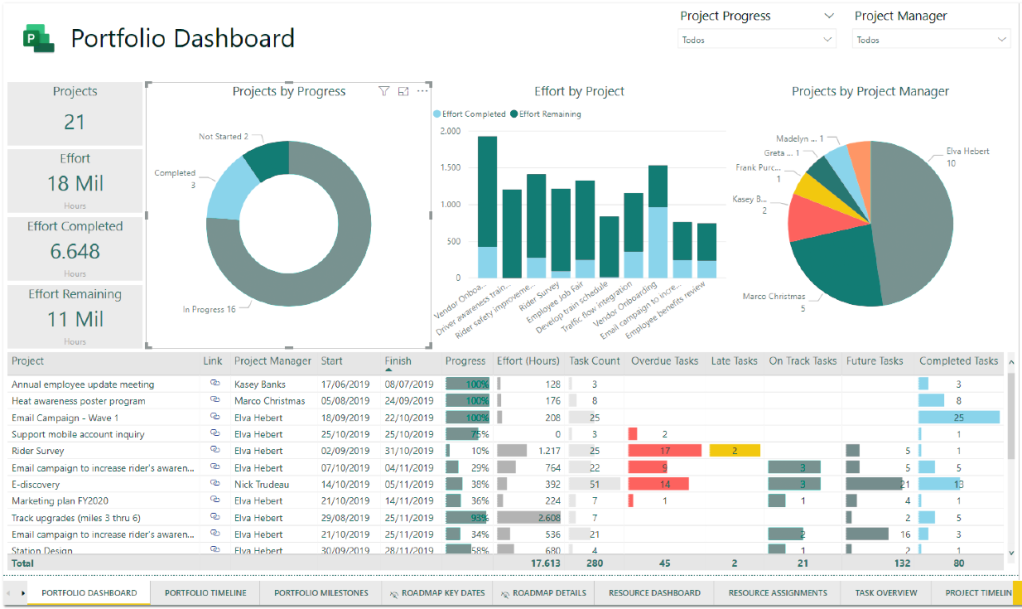
Ideal for creating interactive graphs, dashboards, and data processing.

Experience Level: Beginner to Intermediate

An alternative to Tableau but has the advantage of using the BI package with the widest options for data visualization and charting

Also, it is not necessary to use code, but it gives the option to use the relatively powerful DAX language that programmers who use code.

In addition, it has flexibility in data processing and cleaning, easy compatibility with other Microsoft products, and compatibility with working with R & Python to build models.

A Power BI subscription starts at $9.99 per month, so it’s less expensive than other programs.

Thus, we conclude that the two tools Tableau and Power BI are suitable for business intelligence, but what distinguishes Power BI is that it is better for data processing and less costly, as mentioned earlier.

Advertisements
Advertisements
Advertisements

Best For Business Intelligence & Reporting: Tableau

Eighth Tool

Advertisements

The ideal tool for creating dashboards, interactive charts, and master data cleaning

Experience Level : Beginner to Intermediate.

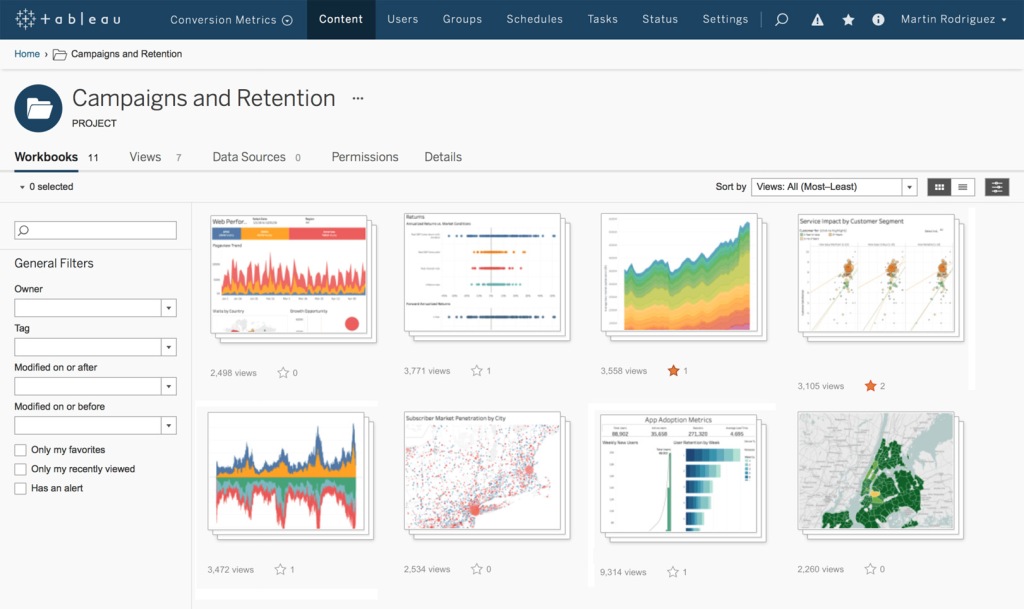
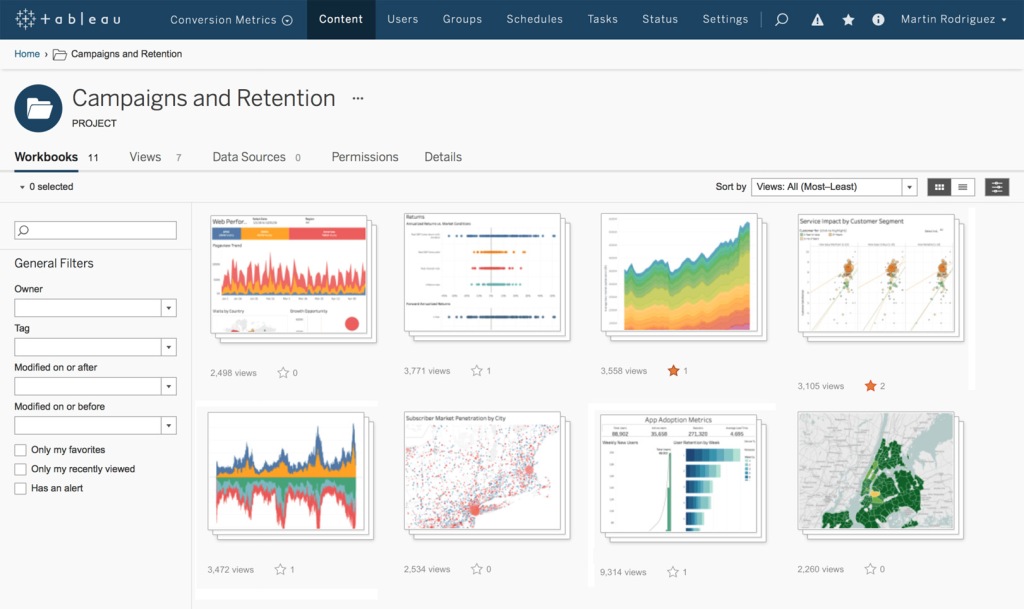
Tableau is the perfect choice for designing elegant, high-tech infographics and is characterized by its ability to create information control panels without the need to use codes. It allows data analysts to send that data to people who are inexperienced in dealing with technology. It also allows them, through interactive control panels, to easily follow that information. complete.

The disadvantages of this program are that, despite its ability to analyze data, it does not have the efficiency to process random data that requires a thorough cleaning, which is often Python and R are the most appropriate options for this task, in addition, it often targets large companies, as its prices start from 70 dollars per month.

To illustrate the use of Tableau features in work, for example, every data analyst or data scientist in general sends results and reports to executives, and those reports must be attractive, interactive, customizable, and have the flexibility of access to others, and with the BI feature, you can create charts and visualizations with its ability to easily Join multiple tables, detail and analyze data with complete flexibility by dragging and dropping.

Tableau saves a lot of time and effort in creating interactive control panels, thus avoiding dealing with complex programming and wasting time as in Matplotlib / Seaborn / Plotly to get accurate results quickly.

Advertisements
Advertisements
Advertisements

Best For Science & Academia: SPSS

Seventh tool

Advertisements

Optimum tool for linear and logistic regression, cluster analysis, t-tests, MANOVA, ANOVA

Experience Level: Intermediate

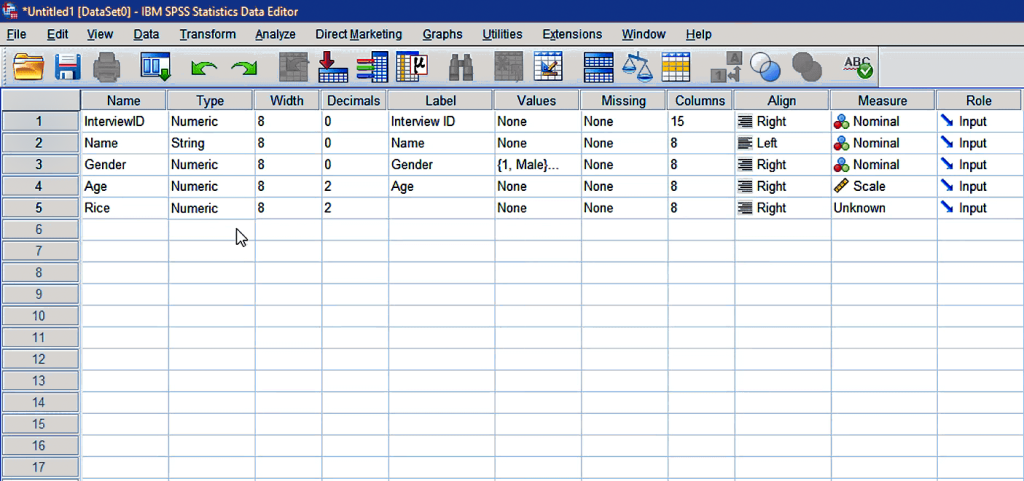
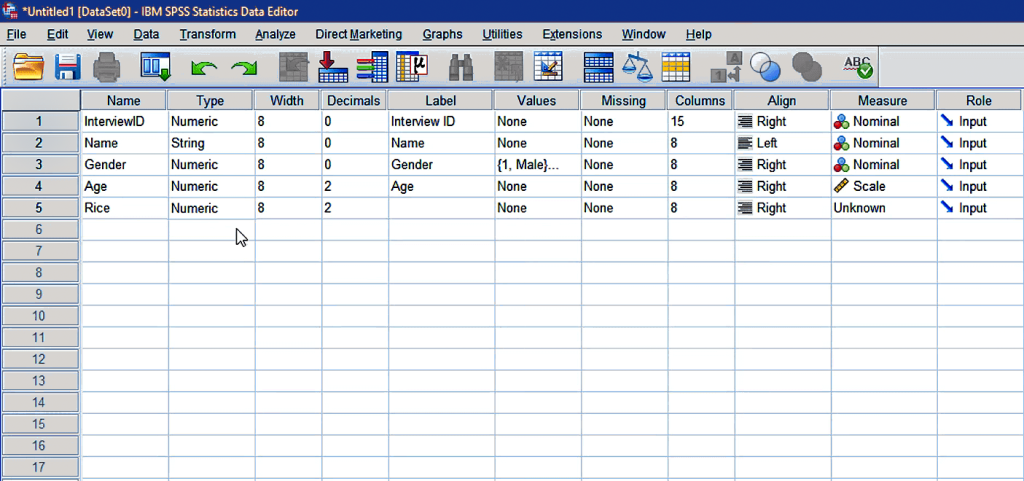
This tool is used by professionals in the social sciences and education, as well as in government, retail and market studies, and its main function is to point and click.

The advantage of SPSS is that it allows a variety of data types to be contained by a variety of different regression types and tests, so this tool requires its users to be familiar with highly detailed hypothesis-testing statistics such as ANOVAs and MANOVAs.

The main disadvantage of SPSS is its high cost, starting at $99 per month.

Practical examples of using SPSS:

data samples:

Let’s say that a researcher in psychology and sociology is conducting scientific research that requires studying samples of certain segments of people in a society. You should have two groups, an experimental group and a control group. The t-test allows knowing that there is a statistical difference between the two groups based on the p-value that you specify.

Multivariate analysis:

This type of analysis sheds light on the difference between groups through several variables at the same time, as in our previous example. Studying a particular segment gives more accurate results for the study, taking into account the age and ethnic differences, etc.

We conclude from the study of this tool that its users prefer it in their reliance on statistical indications taken from data analysis in their science and research that they specialize in. It is an intermediate element between beginner tools such as: Polymer Search and Excel and more advanced programming languages ​​such as Python and R

Advertisements
Advertisements
Advertisements